

Type related to reports
Deem Insight can be used to connect several reports from various business areas and link and filter them to the different CLM parts as e.g. account, project. Here you can configure which reports you want to connect to which CLM parts or reports.
You can filter who sees what report by using the roles under type related to reports.

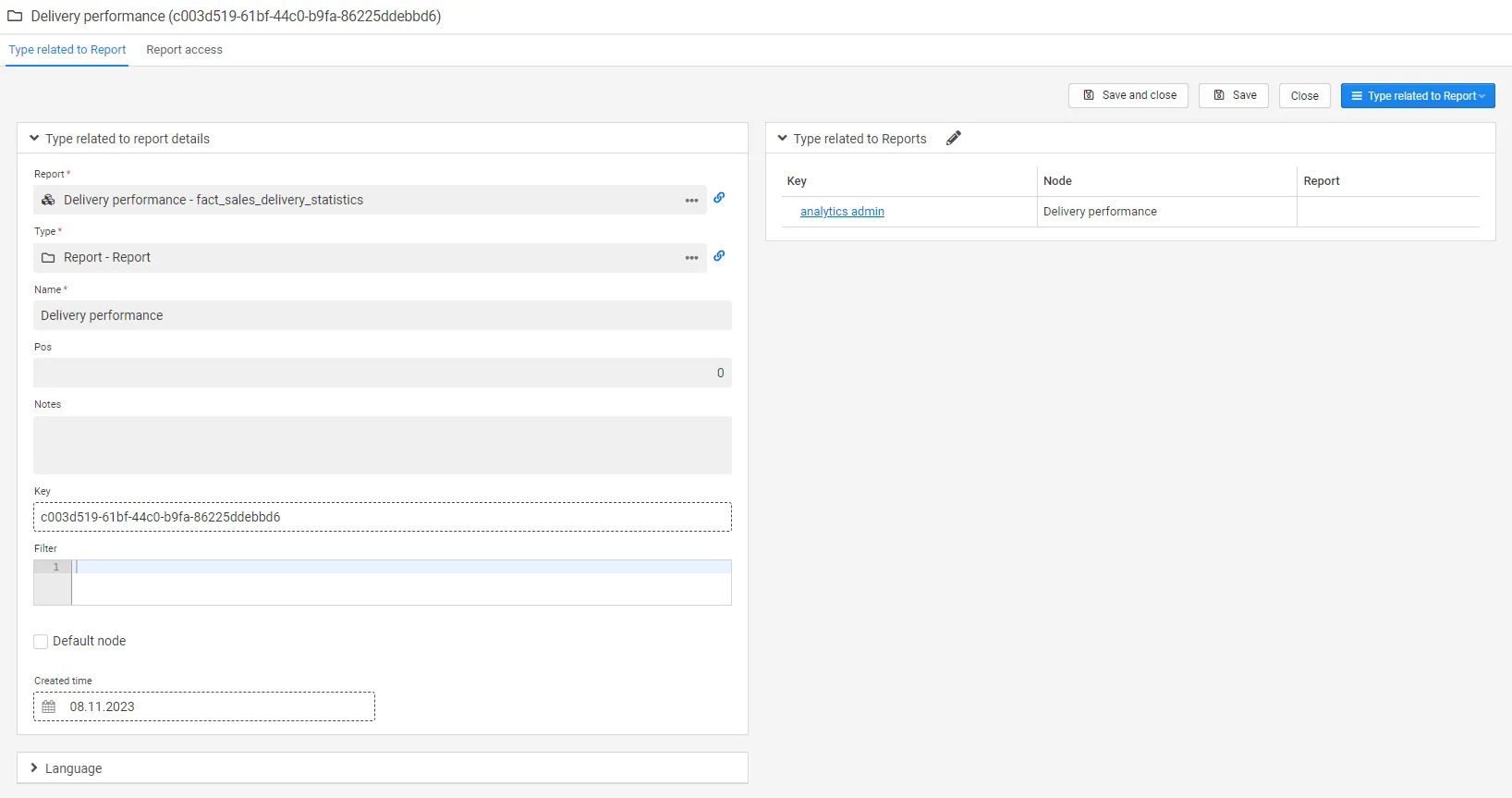
Example script: [customer_number] = '$account_key'
If you would like to connect an existing report to the account, you need to make a copy and add the script in the filter box.