Forms
Here you are able to create new fields connected to the CLM parts, such as project, account, orders etc.
The form must contain a field group and the field group must contain at least one field. It is possible to set up multiple field groups and fields for one CLM part. Fields in the same field group will appear in the same area in e.g the order card.

When setting up a new form, you need to select which CLM part the form should belong to.
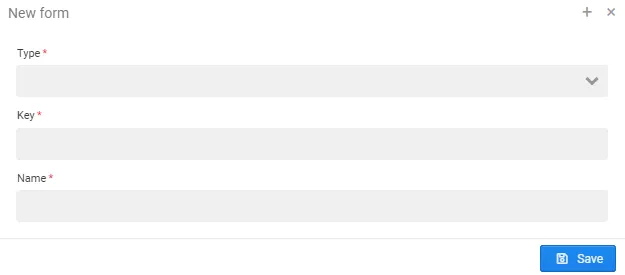
Then set up one or more field groups (name and key).
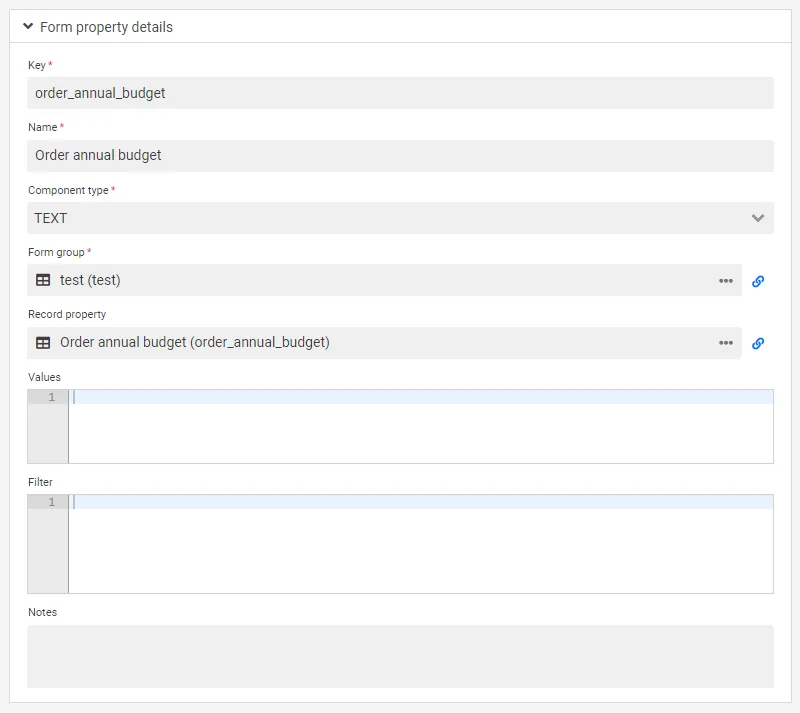
In the last tab, form properties can be set up. Here you select type of field, e.g. text.
To show a field as a dropdown, set Component type to Option and enter the choices on the record property — see Value list.
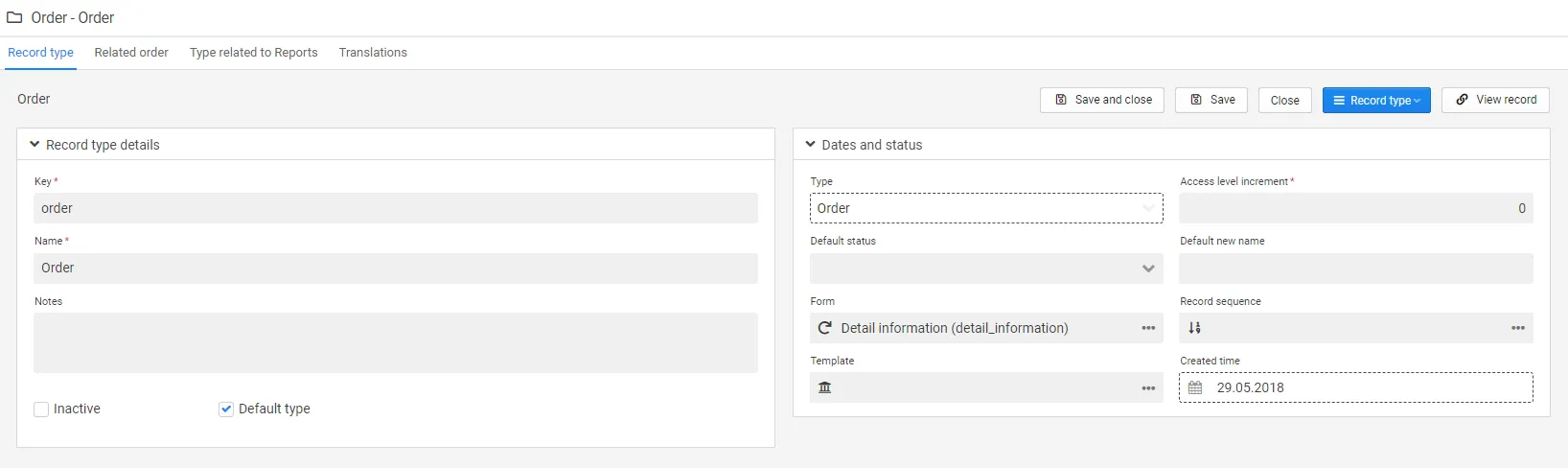
After you have set up all the field groups and form properties for the relevant e.g. order card, you need to update the record type and this will connect the form to the selected CLM part.
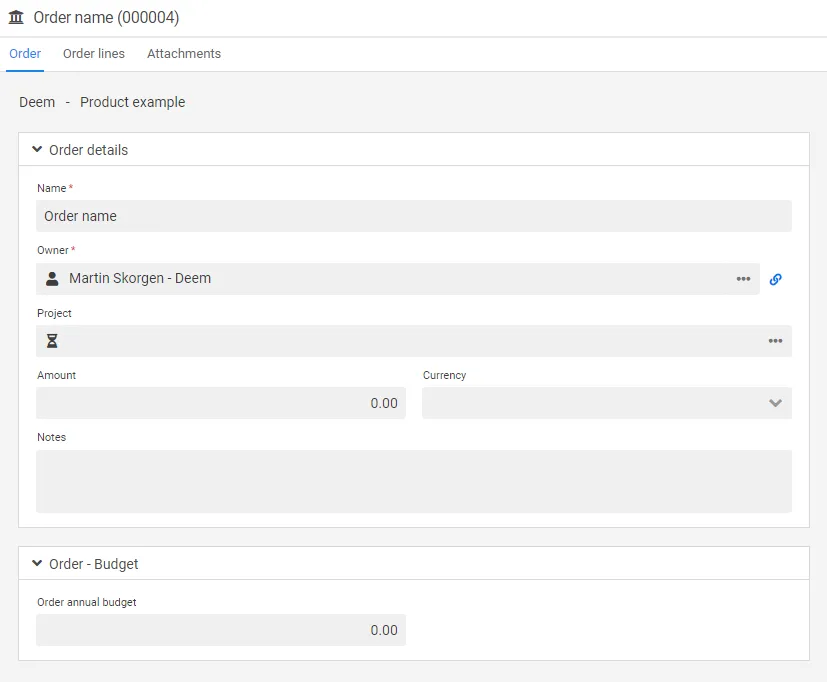
The new field will appear as shown in the below picture: