End User Documentation
The following chapters covers the functionality for end users. It is divided in end user functionality for the analytics and for the customer lifecycle management.
Log in
Section titled “Log in”Log in can be done either with Azure AD or email and password. Use the “Remember Me” checkbox to save the credentials. This option should only be used on your personal computer.
Profile settings and password
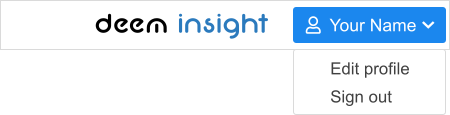
Section titled “Profile settings and password”The profile settings such as Language, Password etc. can be found using the menu:
The following settings are available:
| Setting | Explanation |
|---|---|
| Name | Your name, visible in the menu |
| Language | The application language |
| Not possible to change, it is your registered username | |
| Location | Enter your location |
| Phone | Your phone number |
Use the Change Password button to change your password
Sign out
Section titled “Sign out”You can sign out of Deem Insight by opening the profile menu, and choose “sign out” (see profile settings and password).
Home page
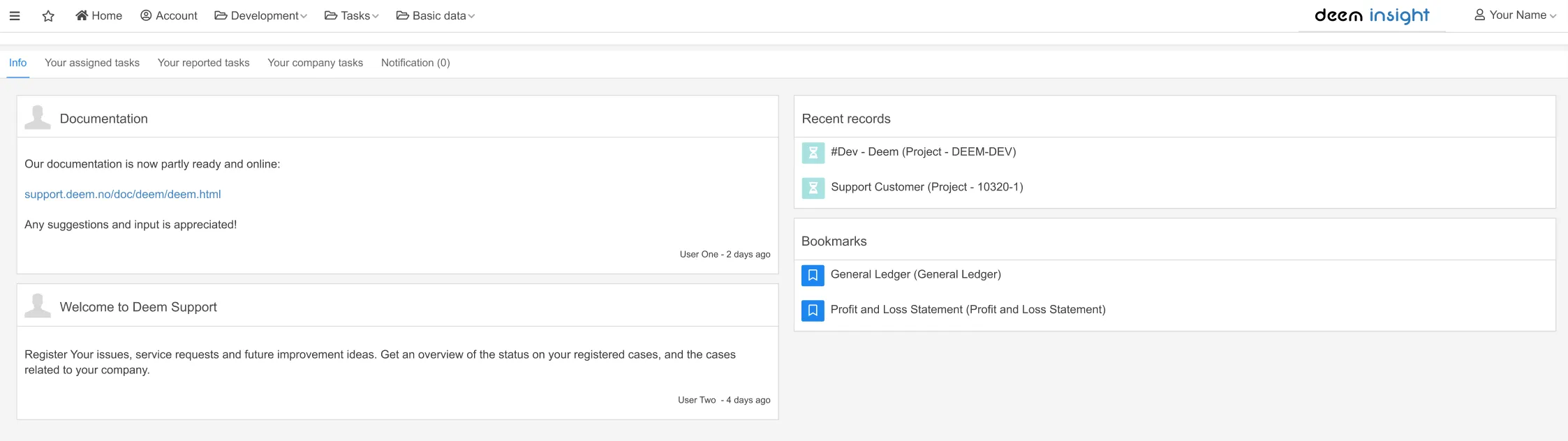
Section titled “Home page”The home page is the starting point for all users. Standard functionality includes a news stream, a list of recent items, and an overview of your report bookmarks.